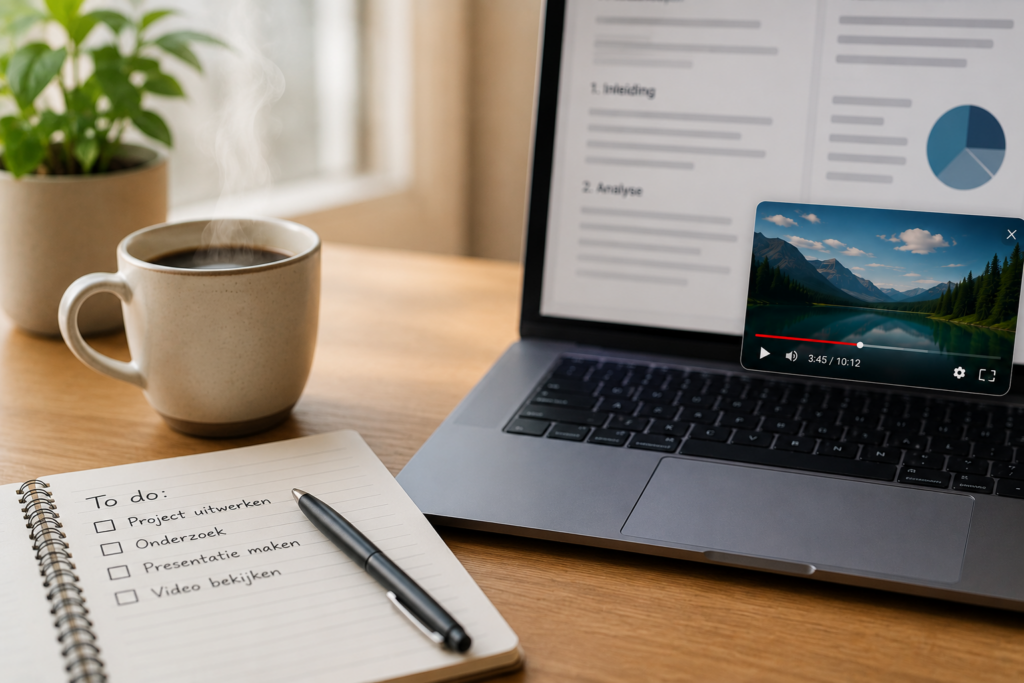
IT for everyone #33 | Open YouTube next to your work

Microsoft Edge with a YouTube video next to a work window using the Split Screen feature.

You probably know the situation: you’re working on a project, document or study assignment and suddenly get stuck. After a quick Google search, you often end up with a helpful YouTube video that explains exactly what you need. But then a new problem appears: constantly switching between your work and the video is inconvenient and breaks your concentration.

Fortunately, Microsoft Edge has useful features that let you open YouTube right next to your work. With Picture-in-Picture and Split Screen, you can continue working and watch a video at the same time, without constantly switching between windows or tabs. It’s not only more pleasant, but also helps you work more efficiently and with better focus.
Read more

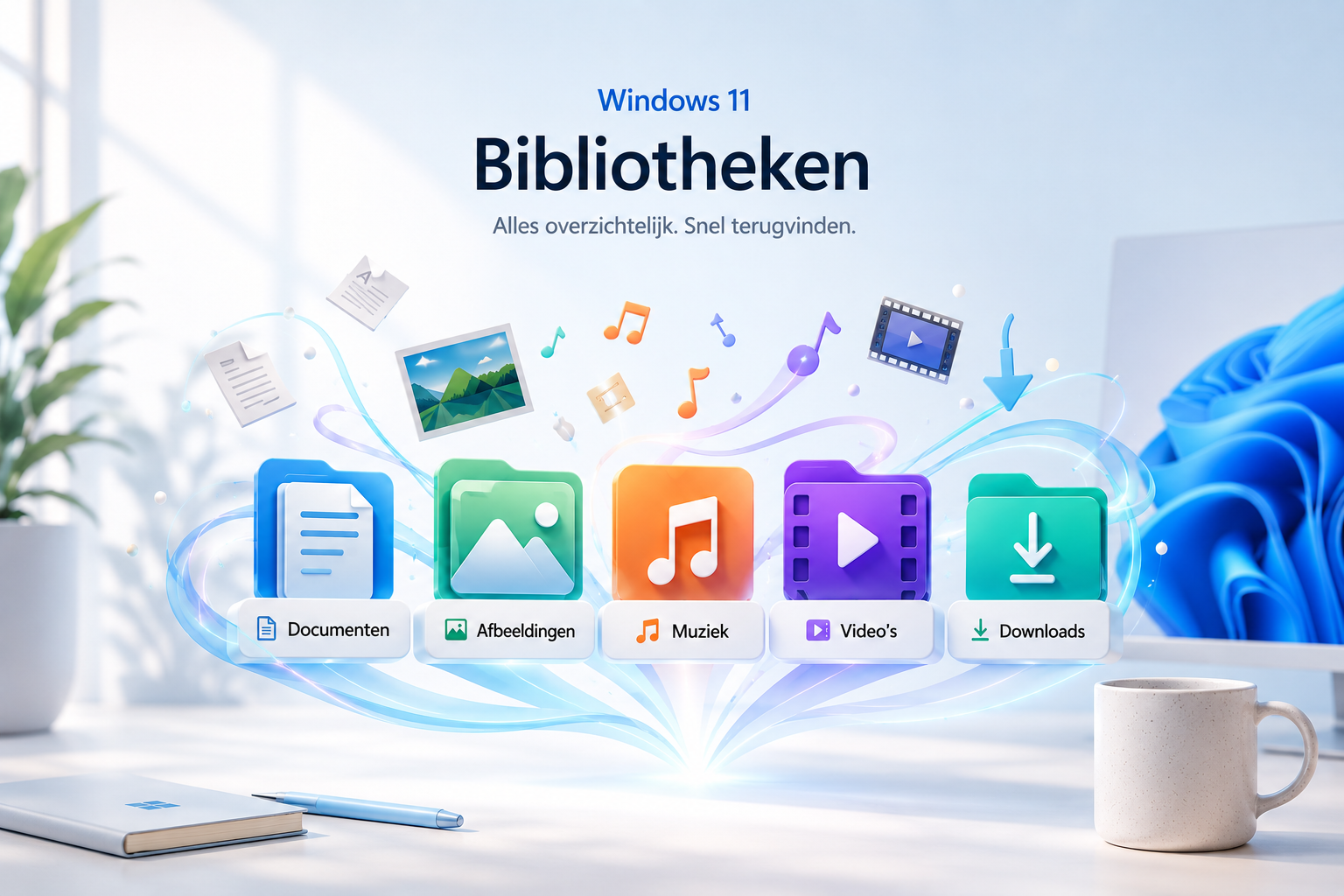
IT for everyone #31 | Windows 11 Libraries

Colorful Windows 11 Library icons on a desk.

Anyone who works daily with documents, photos, or projects quickly notices how easily files become scattered across different folders and devices. I often draft the beginning of a new article on my phone. Because the Microsoft Word app is connected to my Microsoft Outlook account, the document is automatically saved to my OneDrive storage. Later, when I continue working on my computer, I first have to search through several locations before I finally find the file again.

Read more